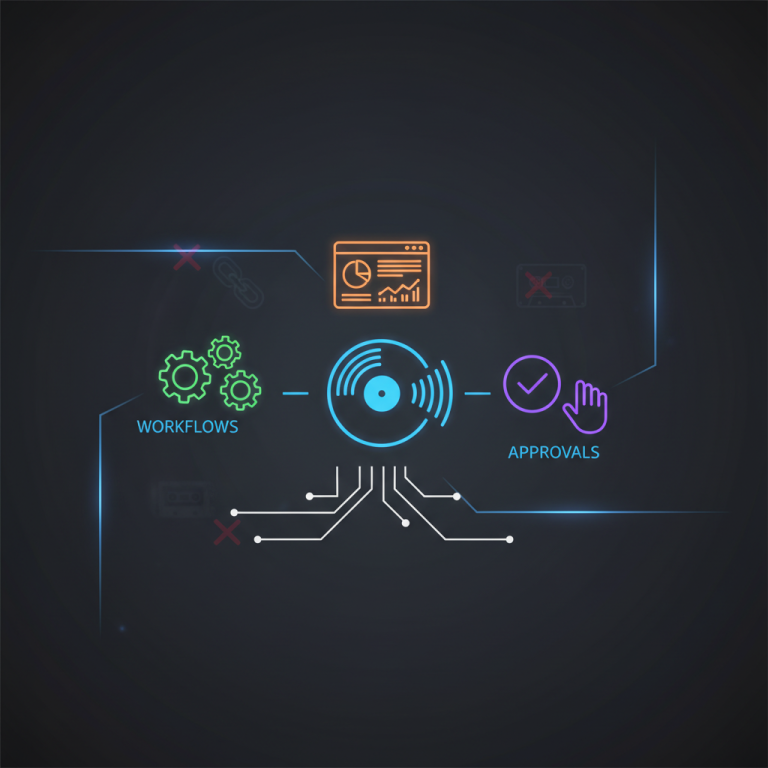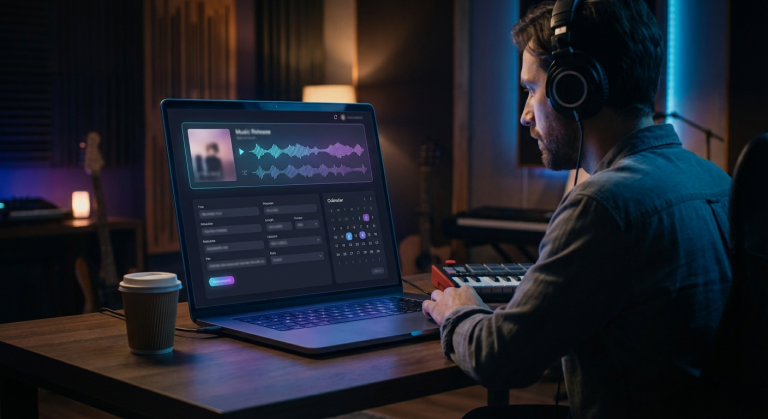
OpenClaw is an operations layer for modern work: it connects tools, watches for events, runs automations (called skills), and can message people where they already live (iMessage, WhatsApp, Discord, Slack, email via Google Workspace, etc.). In music, where deadlines are unforgiving, assets are scattered, and the same fires pop up every Friday, this matters.
If you’re running a label, management company, distribution operation, or you’re an independent artist with a team, OpenClaw can cut the busywork that quietly kills momentum: chasing metadata, assembling pitch packets, updating spreadsheets, creating status reports, and reminding everyone what’s due.
Below is a straight list of high-value ways the music industry can use OpenClaw, written for three audiences:
- Labels & teams (A&R, release management, label ops)
- Artists & managers (content, scheduling, comms)
- Executives (visibility, forecasting, risk reduction)
Each use case includes what it does, why it matters, how it works in practice, and what to measure.
—
1) Release Operations Autopilot (checklists, deadlines, and asset validation)
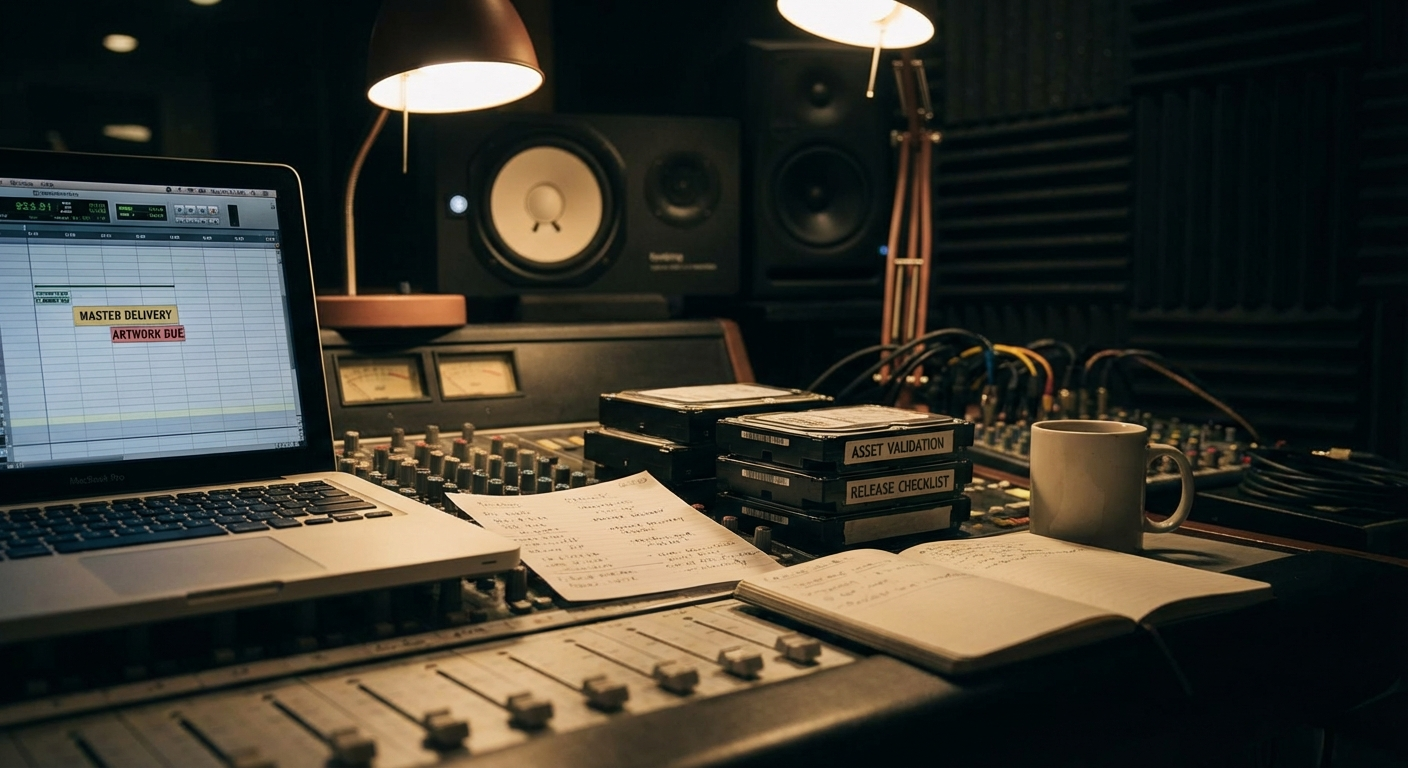
What it is: A release “flight controller” that tracks every deliverable and deadline, audio, cover art, metadata, clean/explicit versions, lyric sheets, ISRC/UPC, credits, splits, and platform pitch requirements, then nudges the right person at the right time.
Why it matters: Release ops breaks when the work is scattered: a spreadsheet here, a group chat there, a folder with “final_final_v7.png,” and a distributor portal with missing fields. OpenClaw gives you a consistent release checklist that can be triggered by an event (new project created, release date set, audio uploaded) and stay synced.
How OpenClaw can help (practical flow):
- When a new release is created in your internal system (or a Google Sheet row is added), OpenClaw:
– creates a standard checklist (per single/EP/album)
– validates required fields (title casing, featuring formatting, explicit flags, release dates)
– checks your Drive/Dropbox folder for required assets (WAVs, cover, motion canvas, clean version)
– posts a status summary to the team channel (or iMessage) with what’s missing
- A day before the distribution cut-off, it pings owners of missing tasks.
- After submission, it stores confirmation numbers and screenshots in the project folder.
Tools to connect: Google Drive, Google Sheets, your label CRM (or internal portal), distribution portal (via browser automation when appropriate), and messaging.
What to track: missed deadlines, “panic week” time, revision count, and average time from “approved master” to “submitted.”
—
2) Metadata & Credits Guardrails (prevent expensive mistakes)
What it is: Automated validation for metadata that causes downstream pain: inconsistent artist names, wrong featuring formatting, missing writers/producers, incorrect explicit flags, and split mismatches.
Why it matters: Metadata errors are the silent tax of the music industry. Fixing them after distribution can be slow, can reset platform momentum, and can confuse royalties. A simple preflight check is worth real money.
How OpenClaw can help:
- Run a “metadata lint” anytime:
– before distribution
– before you generate press materials
– before you deliver to YouTube Content ID
- Enforce naming conventions:
– Primary Artist vs. Featuring
– “Remix” and “Version” formatting
– consistent label + publisher naming
- Detect conflicts:
– track-level release date vs. album release date
– explicit flag mismatch (audio vs. metadata)
– missing contributor roles
What to track: error rate per release, takedown/re-delivery incidents, and royalty dispute tickets.
—
3) Automated Pitch Packets for DSPs (Spotify/Apple/Amazon) and PR
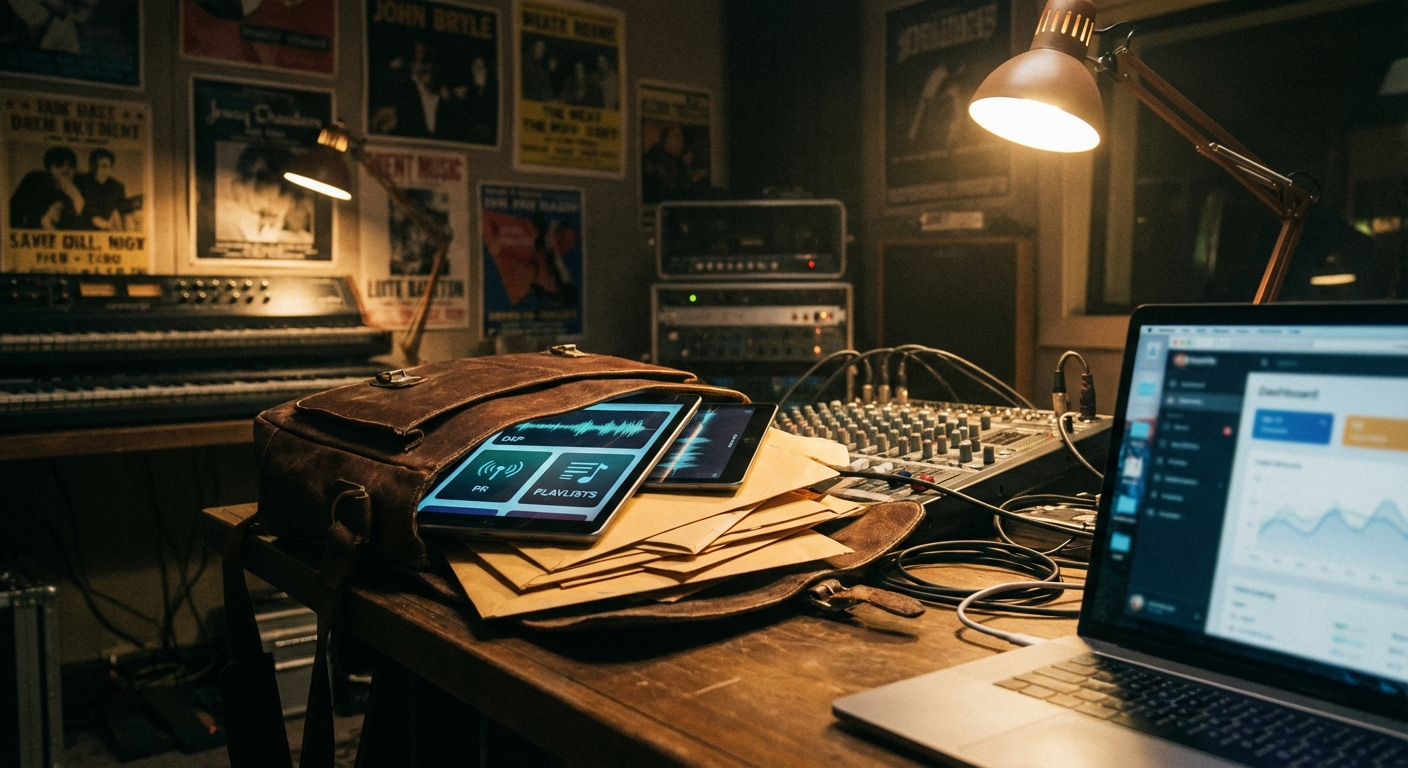
What it is: A system that generates a complete pitch packet, one linkable bundle, every time a release hits “ready.”
Why it matters: Great records die because the pitch assets are late, incomplete, or inconsistent. Teams waste hours assembling the same set of docs: story, key angles, sound-alikes, short bio, long bio, lyrics, credits, marketing plan, and ad assets.
How OpenClaw can help:
- Pull release data from your source of truth.
- Generate:
– a one-page “executive pitch” (hook + story + comps)
– a DSP pitch version (shorter, platform-friendly)
– press notes and a quote bank
– a clean lyric sheet + highlight lines for social
- Save everything into a Drive folder with a consistent structure.
- Notify the team with a single link.
What to track: time-to-pitch, pitch completeness, and playlist adds/curator responses (even qualitative).
—
4) Content Calendar + Auto-Reminders (social, video, live moments)
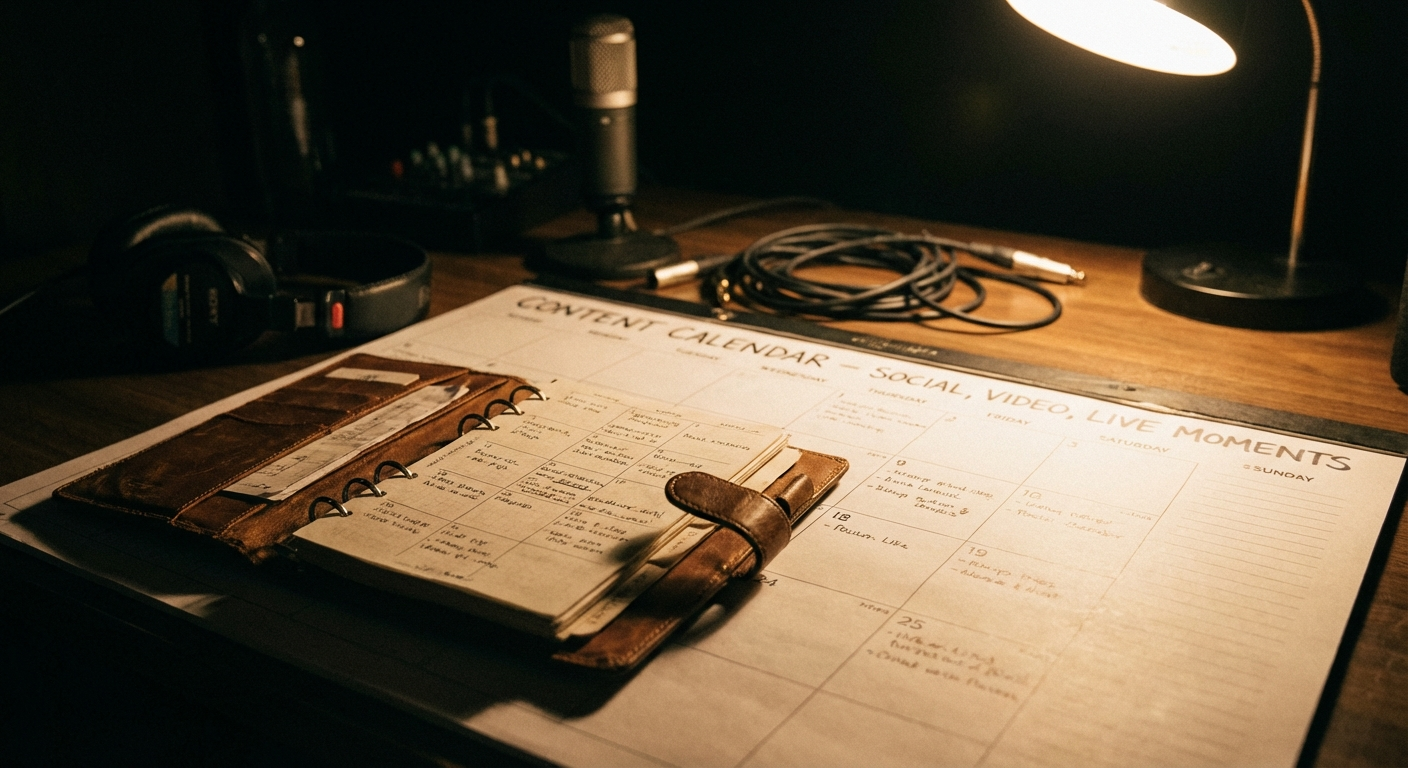
What it is: A content calendar that actually executes: it reminds, drafts, assigns, and turns vague plans into deliverables.
Why it matters: Content is the new radio, but most teams treat it like an afterthought. OpenClaw can convert your strategy (what to post and when) into a reliable weekly operating rhythm.
How OpenClaw can help:
- Ingest a content plan from a Sheet/Notion/Airtable equivalent.
- Auto-send reminders to:
– film a TikTok
– record a hook tutorial
– post a story link
– go live
- Generate first drafts of captions, hooks, and comment replies based on the artist voice.
- Track completion and adjust.
What to track: posting consistency, turnaround time, and content backlog health.
—
5) Smart Inbox for Demos and Submissions (A&R triage)
What it is: A&R triage that organizes incoming demos, extracts metadata, and routes the right submissions to the right listeners.
Why it matters: Labels miss opportunities because the inbox is chaos. Even small teams get buried, and “I’ll listen later” becomes never.
How OpenClaw can help:
- Watch a submissions inbox or form.
- For each demo:
– store audio + contact info
– tag by genre/mood
– generate a short summary (hook, vibe, comps)
– send a weekly shortlist to A&R
- Track responses and follow-ups.
What to track: response time, number of listens, and conversion rate to meetings.
—
6) Contract & Deal Memo Automation (less chasing, more clarity)

What it is: Automatically generating deal memos, split sheets, and contract intake packets when a project moves forward.
Why it matters: Deals die in the handoff between “yes” and paperwork. The faster you move from excitement to clarity, the less you lose.
How OpenClaw can help:
- When a project is approved:
– generate a deal memo draft (terms, options, recoupment notes)
– create a split sheet template
– request missing legal info via a structured message
- Store the latest version in Drive and log approvals.
What to track: time from verbal yes → signed docs, and missing-info churn.
—
7) Royalty Readiness: Split Collection, Validation, and Follow-Up
What it is: A workflow that ensures splits are collected accurately and early, with polite automated follow-ups.
Why it matters: Splits collected late become disputes. Disputes become delayed releases, or bad blood.
How OpenClaw can help:
- After final master approval:
– send split sheet requests to collaborators
– validate totals = 100%
– flag missing PRO info or publisher info
– escalate if deadlines are missed
What to track: % splits collected before distribution, dispute rate, and time-to-resolution.
—
8) Studio Session Logging and Asset Capture

What it is: Turning sessions into organized data: who was there, what was recorded, what files exist, and what’s next.
Why it matters: Sessions are expensive. Losing session context means lost progress. Teams forget which version is current and what the plan was.
How OpenClaw can help:
- After a session ends (calendar event, or a quick “session done” message), OpenClaw:
– creates a session note
– logs participants
– asks for the bounce and session files
– generates a recap summary and next steps
What to track: retrieval time for session assets, version confusion incidents, and turnaround time to next revision.
—
9) Marketing Ops: Ad Creative Assembly + Variant Tracking
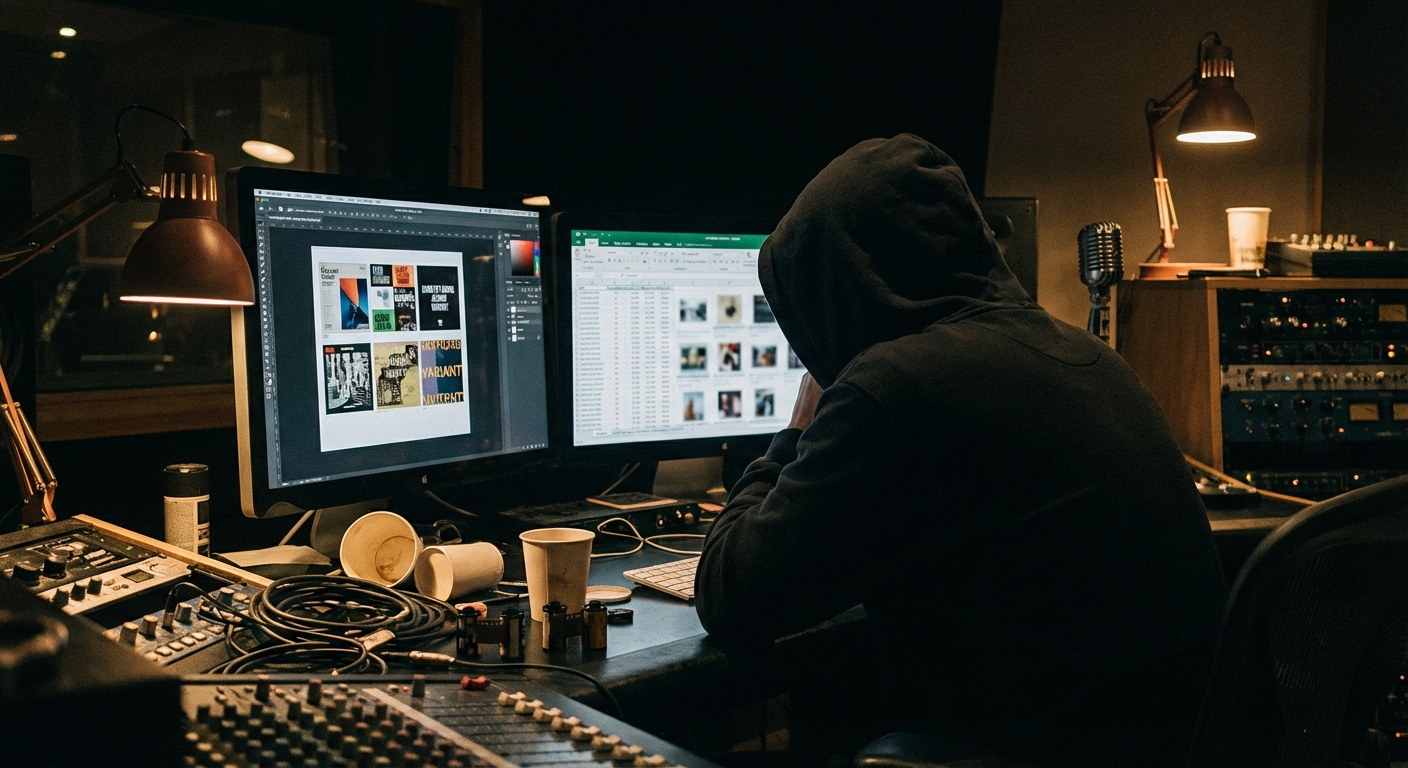
What it is: A repeatable system for assembling ad creatives and tracking which variants performed.
Why it matters: Most music ads fail because the creative is mediocre or the learnings aren’t captured. Teams will test 20 hooks and then… forget what worked.
How OpenClaw can help:
- Maintain a creative library structured by:
– hook type (story, flex, behind-the-scenes, controversy, tutorial)
– format (9:16, 1:1)
– platform (TikTok, Reels, Shorts)
- Auto-generate naming conventions:
– `ARTIST_TRACK_HOOK03_9x16_v1.mp4`
- Produce weekly performance summaries from exported metrics.
What to track: creative velocity, CAC (if applicable), and hook win-rate.
—
10) Executive Dashboards: One-Page Weekly Label Health Report

What it is: A weekly report that executives actually read: release pipeline, risks, wins, spend, and priorities.
Why it matters: Executives don’t need 40 slides; they need clarity. Teams hate writing status updates. OpenClaw can assemble the weekly view automatically from the tools you already use.
How OpenClaw can help:
- Every Monday at 9am:
– pull pipeline from your project tracker
– list releases in the next 30/60/90 days
– highlight risks (missing assets, late splits, pending approvals)
– summarize marketing performance
– post to an exec channel and archive the PDF
What to track: decision speed, fewer surprise fires, and meeting time saved.
—
11) Talent/Team Communications Without the Chaos (structured messaging)
What it is: Structured messaging that turns “can you send me the cover?” into a trackable request with links and deadlines.
Why it matters: Group chats are where work goes to die. People miss messages. Attachments get lost. Context disappears.
How OpenClaw can help:
- Create standardized message templates:
– asset request
– approval request
– reminder
– escalation
- Include:
– one canonical link to the asset folder
– what exactly is needed
– by when
– who owns it
What to track: response times, fewer repeat pings, and fewer wrong files.
—
12) Fan Engagement Workflows (DMs, community, superfan tracking)
What it is: A workflow that helps artists and teams engage consistently without burning out.
Why it matters: You don’t need to reply to everyone, but you *do* need to reply to the right people: superfans, creators making content, playlist curators, event promoters.
How OpenClaw can help:
- Tag and track important inbound messages.
- Maintain a VIP list (superfans, creators, gatekeepers).
- Draft responses in the artist’s tone and keep history.
What to track: creator collaborations, UGC volume, and retention of top fans.
—
13) Live Show Ops (advancing, itineraries, settlement notes)
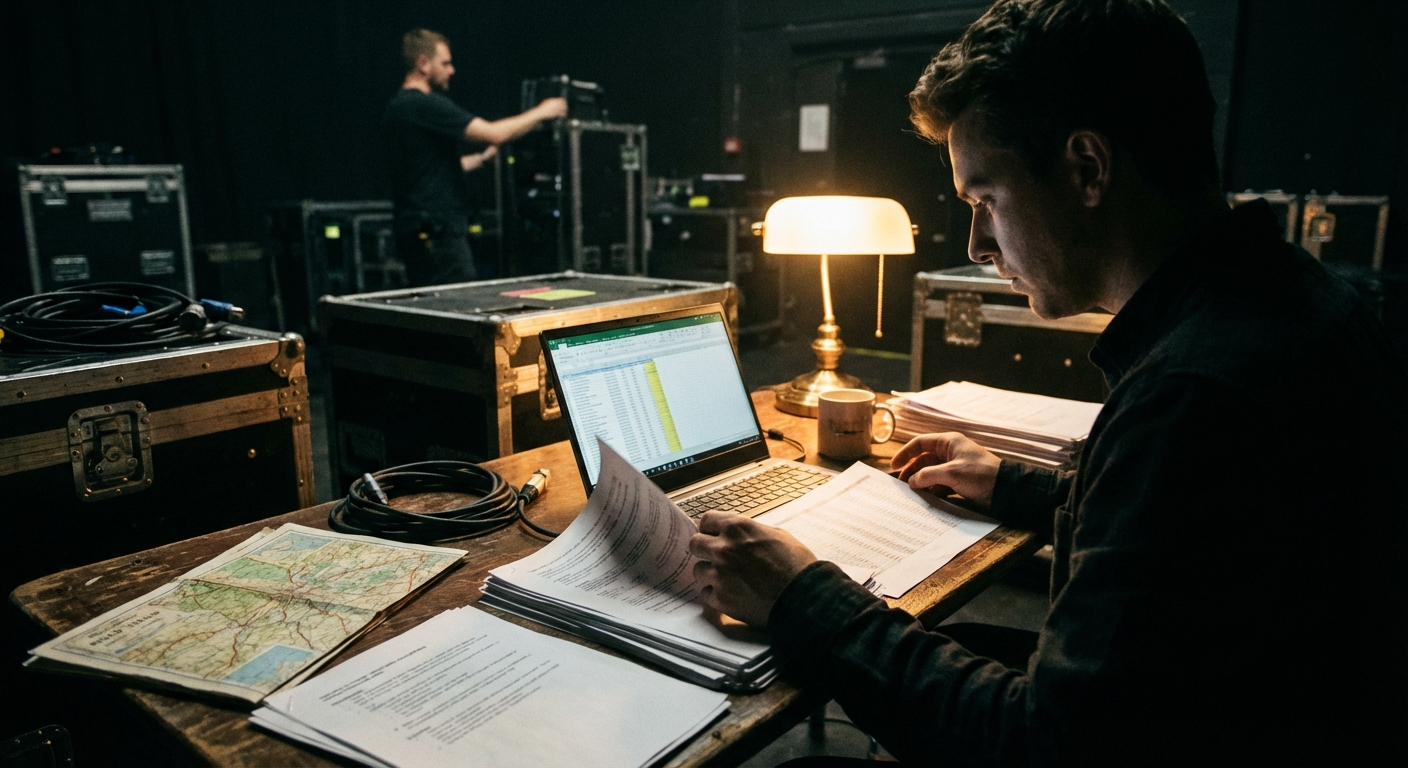
What it is: Automating the paperwork and coordination around shows: advancing, schedules, hospitality riders, and post-show notes.
Why it matters: Touring is logistics. Logistics breaks when the info isn’t centralized. A missed call time costs money and stress.
How OpenClaw can help:
- Generate a show packet:
– venue contact info
– call times
– hotel/transport
– set list version
- Send day-of reminders.
- Capture post-show notes (what worked, what didn’t) to improve future runs.
What to track: fewer missed details, smoother days, and repeatable improvements.
—
14) Rights & Catalog Ops (releases, takedowns, claims, YouTube CID)
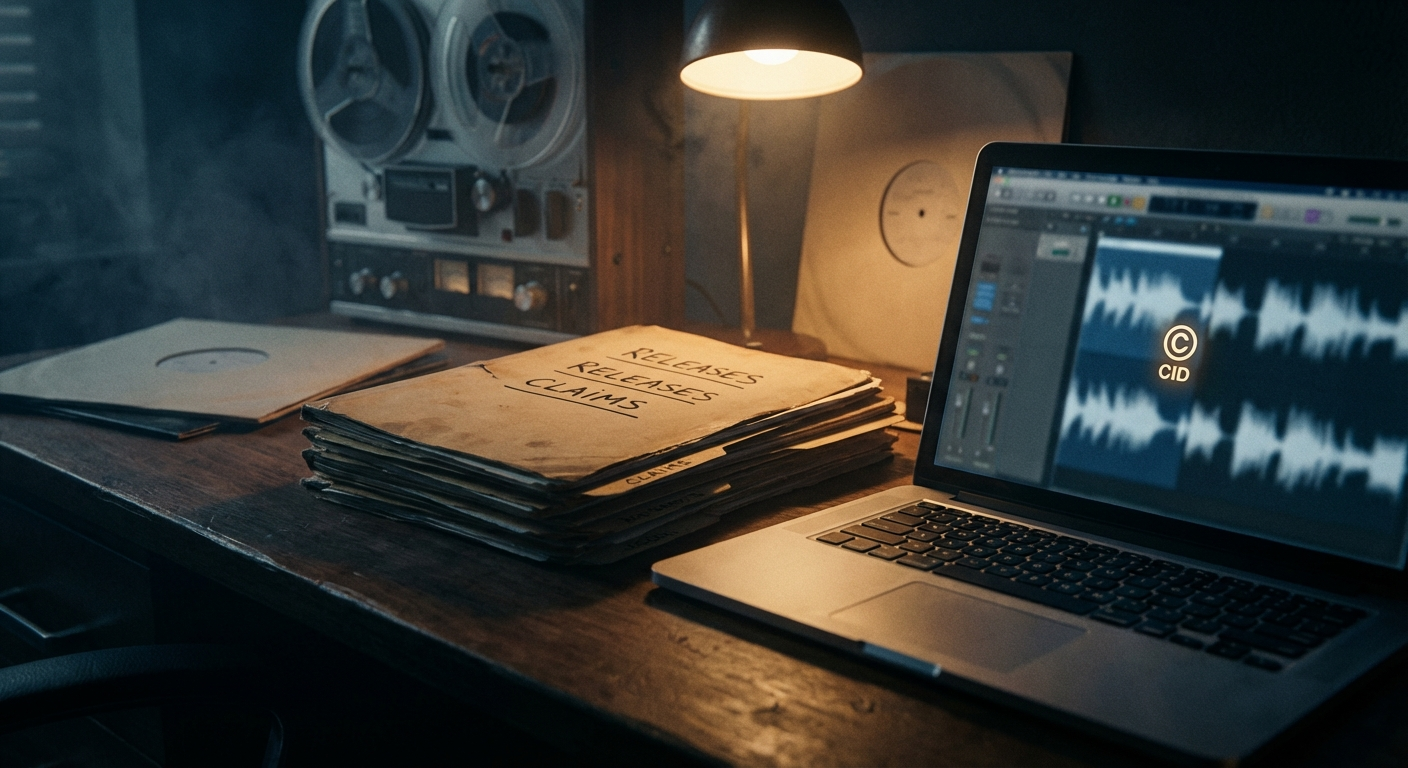
What it is: A consistent workflow for catalog maintenance: takedown requests, claim disputes, and rights documentation.
Why it matters: Catalog is long-tail revenue, but the work is tedious, and mistakes can cause claims, demonetization, or lost revenue.
How OpenClaw can help:
- Track issues by release/asset.
- Store evidence and correspondence in the same place.
- Remind the team on follow-up timelines.
What to track: time-to-resolution for claims and catalog error rate.
—
15) Internal Tooling & API Automations (your label’s unfair advantage)
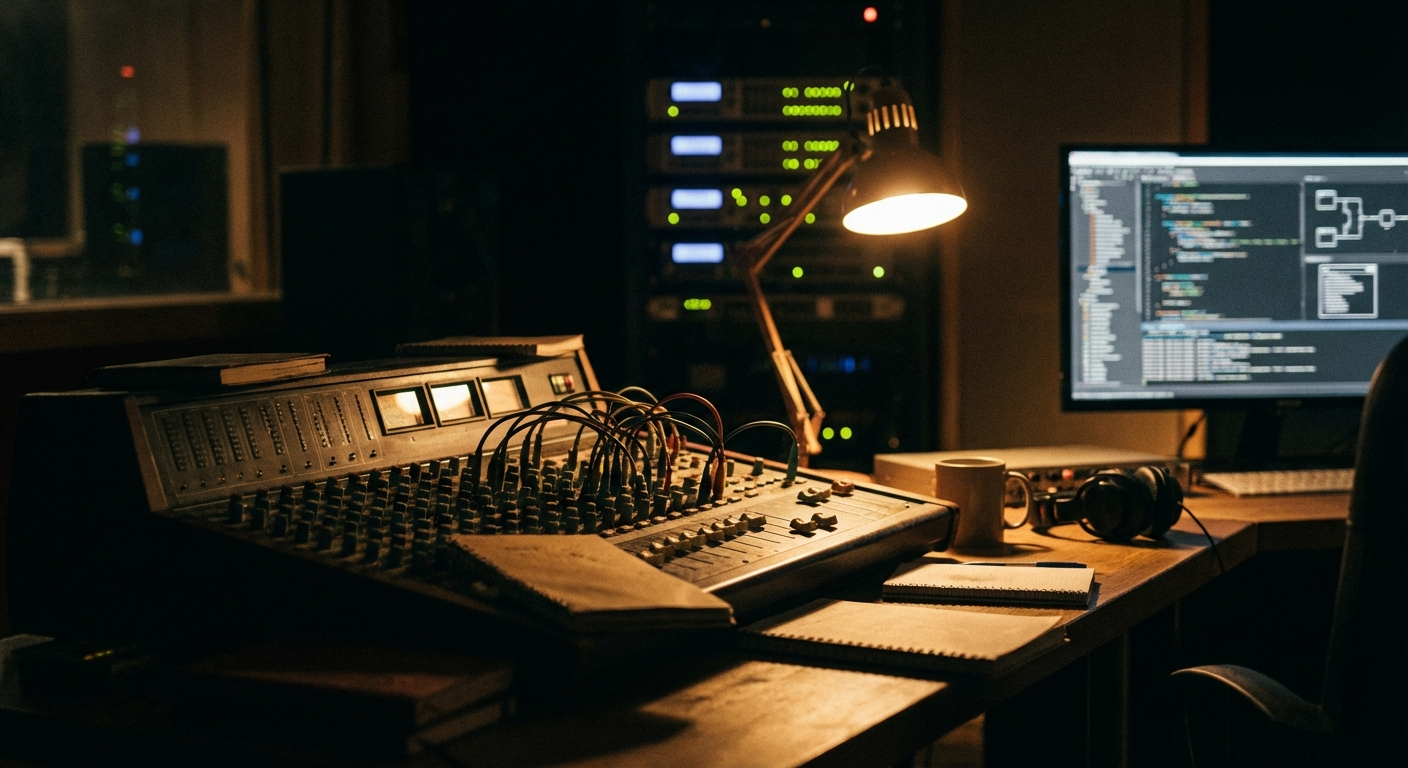
What it is: OpenClaw as the glue between your internal systems (artist portals, metadata databases, video rendering pipelines) and the messy outside world.
Why it matters: Every serious label eventually builds internal tooling. The bottleneck becomes integration: getting data in/out, keeping it clean, and triggering actions at the right time.
How OpenClaw can help:
- Connect your internal API to:
– messaging
– Google Drive
– calendars
– dashboards
- Trigger media generation (visualizers, canvases, lyric videos) from release events.
- Keep everything observable: logs, retries, alerts.
What to track: hours saved per release, fewer manual steps, fewer tribal-knowledge dependencies.
—
Implementation Notes (how to start without boiling the ocean)
If you’re evaluating OpenClaw for a label or artist operation, don’t start with “automate everything.” Start with one repeatable pain point.
A good first project: release ops preflight + pitch packet generation.
Suggested rollout plan:
1. Pick one release type (singles only).
2. Define your required assets and naming conventions.
3. Choose a source of truth (Sheet, internal portal, or CRM).
4. Add automations:
– preflight checks
– reminder cadence
– pitch packet generation
5. Measure the before/after.
Security tip: Use OpenClaw Secrets to store provider keys and keep configs clean (avoid plaintext API keys in files).
—
FAQ
Is OpenClaw only for engineers?
No. You can start with simple workflows (Sheets + Drive + reminders). For deeper integrations (internal APIs, custom skills), you’ll want engineering support, but that’s where the biggest competitive advantage comes from.
Can OpenClaw replace my project management tool?
It’s better to think of OpenClaw as the layer that connects your tools and makes them operational. Keep your project tracker if your team likes it; use OpenClaw to automate the boring parts.
What’s the biggest ROI use case for most labels?
Release operations automation. It’s repetitive, high-risk, and time-sensitive, perfect for automation.